


 Listed Daily
 Market Take
 Swipe Deck
The Agent's Social Media Playbook
Ten short lessons on what to post, where, when, and how to turn attention into conversations. Built on 2025–2026 platform data, with every number sourced.

Start with the basics. Finish with a plan.
It starts with what every platform supports and what the data says, then covers what wins for agents, when to post, how to drive engagement and what to ask for. Each lesson ends with what you can do yourself, then how HOWSR can do it for you.
- 01What social media is actually forBuyers start their search online, but they pick agents they already know.4 min
- 02Every platform, every formatEach platform rewards a different kind of post.6 min
- 03Reels vs. carousels vs. photos: what the numbers sayPeople argue about this constantly.5 min
- 04The five kinds of posts that win for agentsYou don't need 30 content ideas.6 min
- 05What the algorithms reward in 2026Nobody outside these companies knows every signal.5 min
- 06When to post and how oftenEvery year the big studies publish a “best time to post.” They rarely agree.5 min
- 07Driving real engagementEngagement isn't a vanity number.5 min
- 08Calls to action that start conversationsA post without a next step is a missed chance.5 min
- 09Stay compliant without overthinking itYour license is on every post.5 min
- 10Your weekly planHere's everything from the first nine lessons turned into one week you can repeat.4 min
What social media is actually for
Buyers start their search online, but they pick agents they already know. That one tension decides what your social media should do.

Read those together. Social media almost never turns a stranger into a client on its own. What it does very well is keep you in front of the people who already know you, like past clients, neighbors, friends and their friends, so yours is the name that comes up when someone asks, “Do you know a good agent?”
And when your name does come up, people look you up. 33% of buyers say online research played a key role in choosing their agent, and the share of sellers who found their agent online rose from 15% in 2018 to 36%2. If your last post is from March, that check goes badly.
The three jobs your social media has
- Stay top of mind. Show up often enough that the people who know you remember what you do and where you do it.
- Look active and credible when someone checks you out before calling.
- Make it easy to start a conversation: a clear next step on every post and a profile that says who you help.
Agents who do this think it's worth it. 75% of Realtors use social media, and in NAR's 2025 technology survey they named it the technology that brings them the most quality leads (39%), ahead of their CRM (23%) and the MLS (17%)3.
Measure yourself in this order: consistency first, then engagement, then conversations. The first one is the only one you fully control, and it drives the other two.
Do this today: a 10-minute profile check
- Your photo is a current, well-lit headshot, the same one on every platform.
- Your bio says who you help and where, in one line: “Helping buyers and sellers in north Houston.”
- Your brokerage name and license details appear where your state requires them (Lesson 9).
- Your one link goes somewhere useful: your own page, not a dead listing.
- Your last nine posts look like the account of someone who's working this week.
Sources for this lesson (3)
- NAR 2025 Profile of Home Buyers and Sellers: highlights National Association of REALTORS (via Rhode Island REALTORS), Nov 2025
- Online research now shapes how most agent relationships begin Zillow Consumer Housing Trends Report, Dec 30, 2025
- 2025 REALTORS Technology Survey National Association of REALTORS, Sep 18, 2025
Every platform, every format
Each platform rewards a different kind of post. Here's what you can post where, the sizes that fit, and what each platform is best at for an agent.

| Platform | What you can post | Sizes | Best use for agents |
|---|---|---|---|
| Reels up to 3 minutes1 (the camera now records up to 20, but Instagram prioritizes Reels under three2); carousels of up to 20 photos or videos3; single photos; Stories | Reels and Stories 9:16. Feed posts up to 4:5. The profile grid now crops to 3:44 | Reels to be discovered; carousels to teach; Stories for everyday behind-the-scenes | |
| Videos are becoming Reels5; photos and albums; text posts; Stories | Video 9:16; photos up to 4:5 | Your sphere: past clients, neighbors, family, your kids' friends' parents | |
| TikTok | Video; Photo Mode with up to 35 images. A post is photos or video, not both6 | 9:16 | Being found by people who don't know you yet |
| YouTube Shorts | Vertical or square video up to 3 minutes7, plus long-form video | 9:16 | Searchable videos that keep working: neighborhood tours, cost-of-living explainers |
| Text posts up to 3,000 characters, up to 20 images, video, and document (PDF) carousels8 | Images up to 4:5 | Referrals from other professionals: relocation, lenders, builders, HR teams | |
| Google Business Profile | Updates, Offers and Events with a button9; photos; videos up to 30 seconds10 | Photos: 720×720 recommended10 | People who search your name or “realtor near me” |
Specs change often. These were current in September 2026.
The formats, in plain English
- Reels and short videos are vertical videos of about a minute. They're how new people find you.
- Carousels are 2 to 20 slides someone swipes through. They're how you teach, and they get saved.
- Single photos are the weakest format in 2026. On Instagram, single-image reach fell 22% and interactions fell 25% year over year11.
- Stories disappear after 24 hours. They're where followers see your day-to-day and where polls and question stickers live.
- Document posts on LinkedIn are PDF carousels, and they're LinkedIn's highest-engagement format (Lesson 3).
What changed recently
- Instagram began limiting posts to 5 hashtags in December 2025, rolling it out gradually12.
- Instagram's grid now shows taller 3:4 rectangles instead of squares, so check how your cover image crops14.
- Instagram carousels can carry a different caption on each slide (June 2026)13.
- Facebook is turning every video into a Reel, with no length or format limits (announced June 2025)5.
Do it yourself: pick two, not six
- Choose one platform where your sphere already is. For most agents that's Facebook.
- Choose one discovery platform: Instagram if you're comfortable with Reels, TikTok if you like being on camera.
- Switch both to a business or creator account so you get analytics and scheduling.
- Use the same name, headshot and link on both. Add a Google Business Profile when you're ready.
- Keep a note on your phone with the sizes above: 9:16 for video, 4:5 for feed images.
Sources for this lesson (13)
- Instagram announces 3-minute Reels and a new profile grid Business Today, Jan 21, 2025
- Instagram's camera can now film 20-minute Reels PetaPixel, Nov 25, 2025
- Instagram now allows up to 20 images and videos in a carousel TechCrunch, Aug 8, 2024
- Instagram's new grid layout size and dimensions Kapwing, Dec 30, 2025
- Making it easier to create videos on Facebook (all videos become Reels) Meta, Jun 17, 2025
- TikTok limits: photo mode, video and caption specs PublishQ, Jul 2026
- Upload YouTube Shorts (up to 3 minutes) YouTube Help, 2024
- LinkedIn post specs ContentIn, Sep 18, 2026
- Create posts on your Business Profile Google Business Profile Help, 2026
- Business Profile photo and video guidelines Google Business Profile Help, 2026
- Instagram study 2026 (24.3M posts) Metricool, Jun 16, 2026
- Instagram implements new limits on hashtag use Social Media Today, Dec 18, 2025
- Instagram carousels can now have a caption on each slide Metricool, Jun 2026
Reels vs. carousels vs. photos: what the numbers say
People argue about this constantly. The data gives a clear answer once you notice that different studies keep different scoreboards.
Two scoreboards
Reach is how many people saw a post. Engagement rate measures interactions (likes, comments, saves, shares) relative to the audience. Some studies divide by followers, others by the people who were reached. A format can win reach and lose engagement, which is why the headlines contradict each other.
Likes and comments divided by followers, across 35 million posts1.
Reels win reach, mostly for smaller accounts
In a 2026 study of 140,000 Reels, Reels had the highest reach rate only for accounts under 50,000 followers. For accounts with 1,000 to 5,000 followers, reach was 9.78% for Reels, 8.80% for carousels and 7.00% for single images4. That describes most agents, so Reels are your best tool for reaching new people.
Length matters too. Reels of 30 to 60 seconds reached best (5.6%), while Reels over two minutes dropped to 3.5%4.
The other platforms
- LinkedIn: document (PDF) posts have the highest engagement per impression at 7.00%; posts with an outside link have the lowest at 3.25%5.
- TikTok: videos averaged 3.39% engagement against 1.92% for photo posts2.
- Facebook: text posts (0.20%), Reels and albums (0.18%) and images (0.15%) all beat link posts (0.05%)6.
Use Reels to be found and carousels to be remembered. Stop relying on single photos and bare links.
Do it yourself: one idea, two formats
- Film a 30 to 60 second Reel of a home: the first shot is the most striking room, not the front door.
- Turn the same home into a 6-slide carousel: “5 things I noticed in this floor plan.”
- Carousel rules: slide 1 is a headline that makes people swipe, one idea per slide, big text, last slide asks them to save or message you.
- Post the Reel early in the week and the carousel later, so each gets its own day.
Sources for this lesson (6)
- Instagram benchmarks (35M posts, 2025 data) Socialinsider, Feb 20, 2026
- State of social media engagement 2026 (52M posts) Buffer, 2026
- Instagram study 2026 (24.3M posts) Metricool, Jun 16, 2026
- Instagram Reels statistics (Jan–Jun 2026) Socialinsider, 2026
- LinkedIn benchmarks Socialinsider, Mar 16, 2026
- Facebook benchmarks Socialinsider, Mar 23, 2026
The five kinds of posts that win for agents
You don't need 30 content ideas. You need a few kinds of posts you can repeat every week, done well.
1. Real homes, shown well
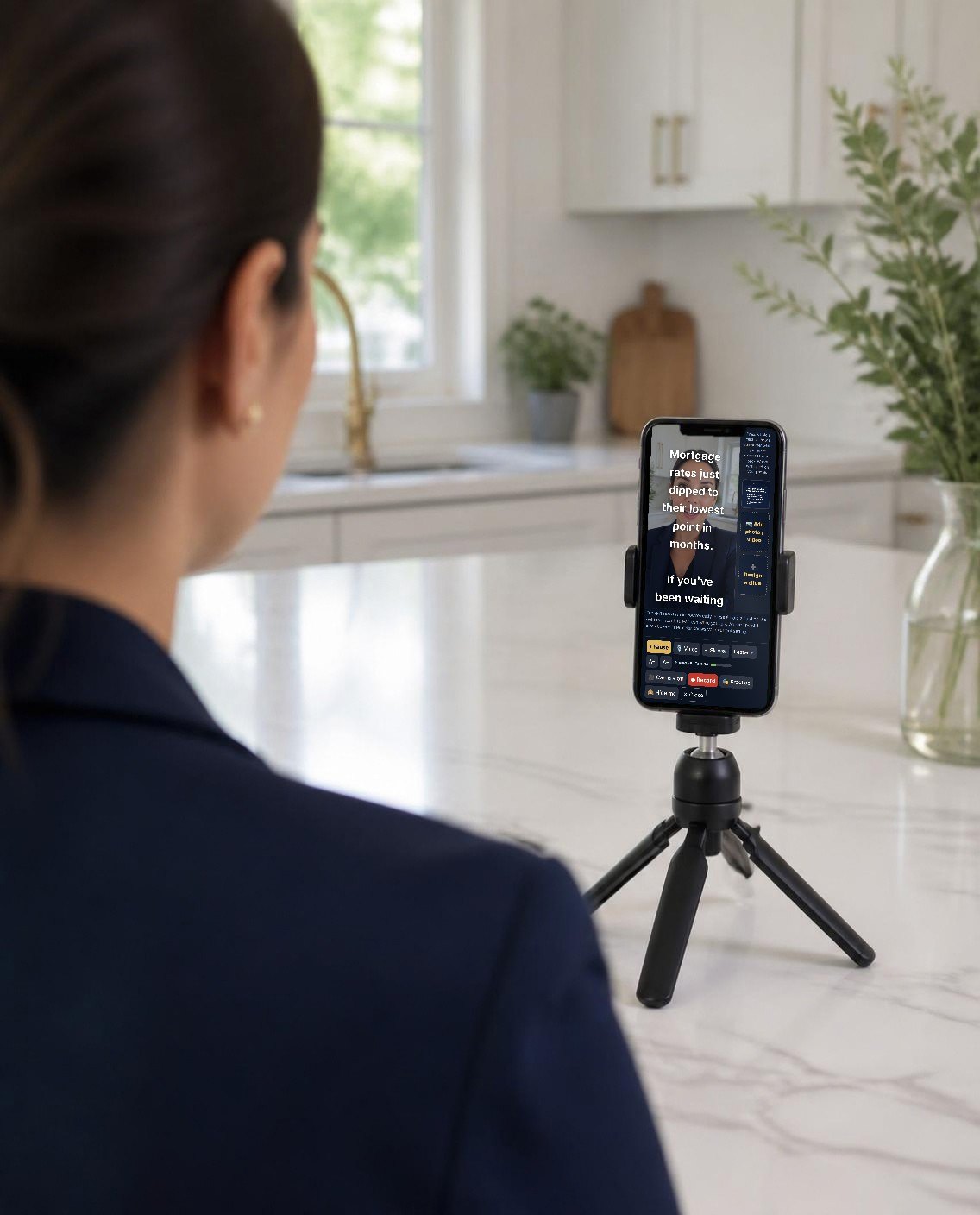
Buyers start by looking at homes: 46% make that their first step, and 52% used online video sites during their search1. A 45-second walk-through of a home, with the price, the layout and the one thing you'd point out in person, is the most natural post an agent can make. You don't need your own listings. New-construction inventory and model homes work, as long as you have permission to use the photos (Lesson 9).
2. Your take on local news
A new community breaks ground, rates move, a road project finally opens. Thirty seconds of you explaining what it means for people buying or selling locally is original, local and hard to copy. It's exactly what the platforms say they reward: LinkedIn, for example, says it favors posts that add “perspective, context, or expertise”2.
3. Carousels that teach
“What your pre-approval really means.” “The hidden costs of buying.” “Five myths about new construction.” These get saved and sent, and carousels earn 9× the saves of single images3.
4. Posts that are fun to answer
“Guess the price.” “Which kitchen would you pick?” A genuine question invites comments without begging for them (Lesson 7 covers the line between the two).
5. You
People hire agents they trust, and trust comes faster when they've seen your face and heard your voice. Even one short video a week makes the rest of your content feel like it comes from a person.
What doesn't win
- Reposting other people's videos or graphics. The platforms now actively hold this back (Lesson 5).
- “Just listed” flyers as single images with a link in the caption.
- Generic quotes and memes that could come from any account in any city.
Do it yourself: your five content pillars
- Write down two homes you could feature this week (with photo permission).
- Save three local news stories to your notes as they happen, and pick one to explain on camera.
- Draft one teaching carousel from a question a client asked you this month.
- Plan one fun post: a guess-the-price or a this-or-that.
- Record one 30-second video of you. It doesn't need to be perfect.
Sources for this lesson (3)
- NAR 2025 Profile of Home Buyers and Sellers: highlights National Association of REALTORS (via Rhode Island REALTORS), Nov 2025
- LinkedIn doesn't want your AI slop anymore Engadget, May 2026
- Instagram study 2026 (24.3M posts) Metricool, Jun 16, 2026
What the algorithms reward in 2026
Nobody outside these companies knows every signal. But each platform has said, on the record, what it rewards and what it holds back. Here's what they've said.
- “The top three signals… are watch time, likes and sends,” according to Instagram's head, Adam Mosseri. Likes count slightly more with your followers; sends count slightly more for reaching people who don't follow you1.
- Mosseri suggests watching three numbers: average watch time, likes per reach and sends per reach1.
- Originality: since April 2026 this covers photos and carousels too. “If most of what you post… is someone else's content, your account is no longer going to be recommendable,” and adding a credit or watermark isn't enough2.
- Your own logo on a Reel is fine. Reels with other apps' watermarks aren't recommended3.
- Hashtags are capped at 5, and Mosseri has said they don't increase reach4. Use a few that describe the post.
- Trial Reels show a Reel to non-followers first, so you can test an idea before it hits your followers' feeds5.
- Accounts that repeatedly repost other people's content lose reach, and adding a watermark to someone else's work doesn't make it original6.
- The Reels feed now shows 50% more Reels from creators published that same day7. Fresh posts get a boost.
TikTok
- Follower count and past hits are not direct factors8. A small account can reach a lot of people.
- Not eligible for the For You feed: unoriginal uploads with someone else's watermark, most QR codes, and “like-for-like” incentives9.
YouTube Shorts and LinkedIn
- YouTube says posting time isn't a factor for Shorts, and deleting and reposting a video can be treated as spam10.
- LinkedIn rebuilt its feed in 2026 around likes, comments and dwell time, matched to people's professional interests11, and it now reduces reach for generic AI-written posts and comments12.
Four rules cover almost all of it: make it yourself, hook people in the first two seconds, give them a reason to send it, and post fresh.
Do it yourself: a 30-second check before you post
- Did I make this, or am I reposting someone else's?
- Would someone keep watching past the first two seconds?
- Is there a reason to send this to a specific person, like a friend who's house hunting?
- Are there five hashtags or fewer, each one describing the post?
- No other app's watermark on the video?
Sources for this lesson (12)
- Instagram shares insights into its algorithm for 2025 Social Media Today, Jan 22, 2025
- New Instagram policies target reposted content PetaPixel, Apr 30, 2026
- Instagram clarifies that including your own logo on a Reel is OK Social Media Today, Oct 23, 2024
- Instagram implements new limits on hashtag use Social Media Today, Dec 18, 2025
- Instagram allows creators to schedule Trial Reels Social Media Today, Apr 2, 2026
- Meta announces crackdown on unoriginal Facebook content TechCrunch, Jul 14, 2025
- Finding and sharing Reels on Facebook just got easier Meta, Oct 7, 2025
- How TikTok recommends videos #ForYou TikTok Newsroom
- For You feed eligibility standards TikTok Community Guidelines
- YouTube demystifies the Shorts algorithm TechCrunch, Aug 25, 2023
- LinkedIn updates its feed algorithm with LLM ranking Search Engine Land, Mar 16, 2026
- LinkedIn doesn't want your AI slop anymore Engadget, May 2026
When to post and how often
Every year the big studies publish a “best time to post.” They rarely agree. How often you post, and how steadily, matters much more than the hour.

| Study | What it found | Based on |
|---|---|---|
| Sprout Social1 | Tuesday and Wednesday, 11am–6pm. Instagram Wed 12–9pm; Facebook Tue–Wed 12–8pm; LinkedIn Tue–Thu 11am–5pm. Sunday weakest. | Nearly 2 billion engagements, Nov 2025 to Feb 2026 |
| Buffer2 | Instagram and Facebook Thursday 9am (Wednesday best day); TikTok Saturday, evenings 6–11pm; LinkedIn Wednesday 4pm; YouTube Shorts Friday 4pm. | 52 million posts |
| Later3 | Instagram: 5am, Mondays best. | 6 million posts (2024 data) |
| Hootsuite4 | Instagram Monday 3–9pm; Facebook Tuesday 9am; TikTok Thursday 7–11am. | 1 million posts |
All times are in the viewer's local time.
Notice that the studies contradict each other. The only real overlap is midweek. Every one of these companies says the same thing in the end: your own audience's numbers beat any average.
How often: steady beats heroic
That last study is the one to remember. Consistency was measured as “weeks with at least one post,” so the accounts that won weren't posting daily; they just never disappeared7. As Hootsuite puts it, “Two good posts a week will get you more overall engagement than 20 pieces of mediocre content”8.
Set a floor you'll never miss (at least one post every week) and a target for good weeks (3 to 5 feed posts on your main platform, plus Stories).
Do it yourself: batch it once a week
- Block 60 to 90 minutes on the same day each week to make and schedule everything.
- Instagram, Facebook and TikTok all let you schedule posts for free inside their own tools.
- Start with midweek mornings. After a month, check your insights for when your followers are online and move your times.
- Test one change at a time: two weeks at one time, two weeks at another, and compare reach per post.
Sources for this lesson (8)
- Best times to post on social media in 2026 Sprout Social, Mar 31, 2026
- Best time to post on social media in 2026 (52M+ posts) Buffer, Mar 25, 2026
- Best time to post on Instagram Later, Apr 21, 2026
- Best time to post on social media Hootsuite, Sep 24, 2026
- Study shows posting more on Instagram leads to more reach Social Media Today (Buffer data), Aug 13, 2025
- TikTok post frequency improves per-post reach Social Media Today (Buffer data), Oct 12, 2025
- Consistent posting study (100K+ users, 26 weeks) Buffer, Jan 29, 2025
- How often to post on social media Hootsuite, Jul 8, 2026
Driving real engagement
Engagement isn't a vanity number. Every comment, save and send tells the platform to show your next post to more people, and some of those comments turn into conversations.

Win the first two seconds
Watch time is one of Instagram's top signals1. Open on the most interesting shot or a bold line on screen: “This $389K home has a room I've never seen in a floor plan.” On a carousel, slide one does the same job.
Ask real questions, not for favors
Meta demotes engagement bait such as “LIKE this if…” posts, and pages that keep doing it see “more significant drops in reach.” Posts that genuinely ask for help, advice or recommendations are exempt2. TikTok also won't recommend posts built on “like-for-like” incentives3.
| Instead of | Try |
|---|---|
| “Comment YES if you love this kitchen!” | “Island or peninsula: which would you pick for a family kitchen?” |
| “Tag someone who needs to see this!” | “Send this to the friend who's been house hunting for a year.” |
| “Like if you want more tips!” | “What's one thing about buying that nobody explained to you?” |
Give them something to send and save
Sends are one of Instagram's three biggest signals, especially for reaching new people1. Checklists, cost breakdowns and “what I'd look for” posts are made for sending.
Show up in the comments, yours and theirs
- Reply to every comment, with a question back when you can. It keeps the thread going.
- Use Story stickers such as polls and questions; they're the lowest-effort way to get people to tap.
- Comment thoughtfully on local businesses, past clients and community pages. That's how your sphere sees you between your own posts.
- Team up: a collab post with a lender, builder or local business puts you in front of their followers. If there's payment involved, disclose it (Lesson 9).
Do it yourself: the 15-minute daily routine
- 5 minutes: reply to every comment and DM from the last day.
- 5 minutes: leave real comments on 5 local accounts or past clients' posts.
- 5 minutes: post one Story, a poll or a question if you can.
Sources for this lesson (3)
- Instagram shares insights into its algorithm for 2025 Social Media Today, Jan 22, 2025
- Fighting engagement bait on Facebook Meta, Dec 2017
- For You feed eligibility standards TikTok Community Guidelines
Calls to action that start conversations
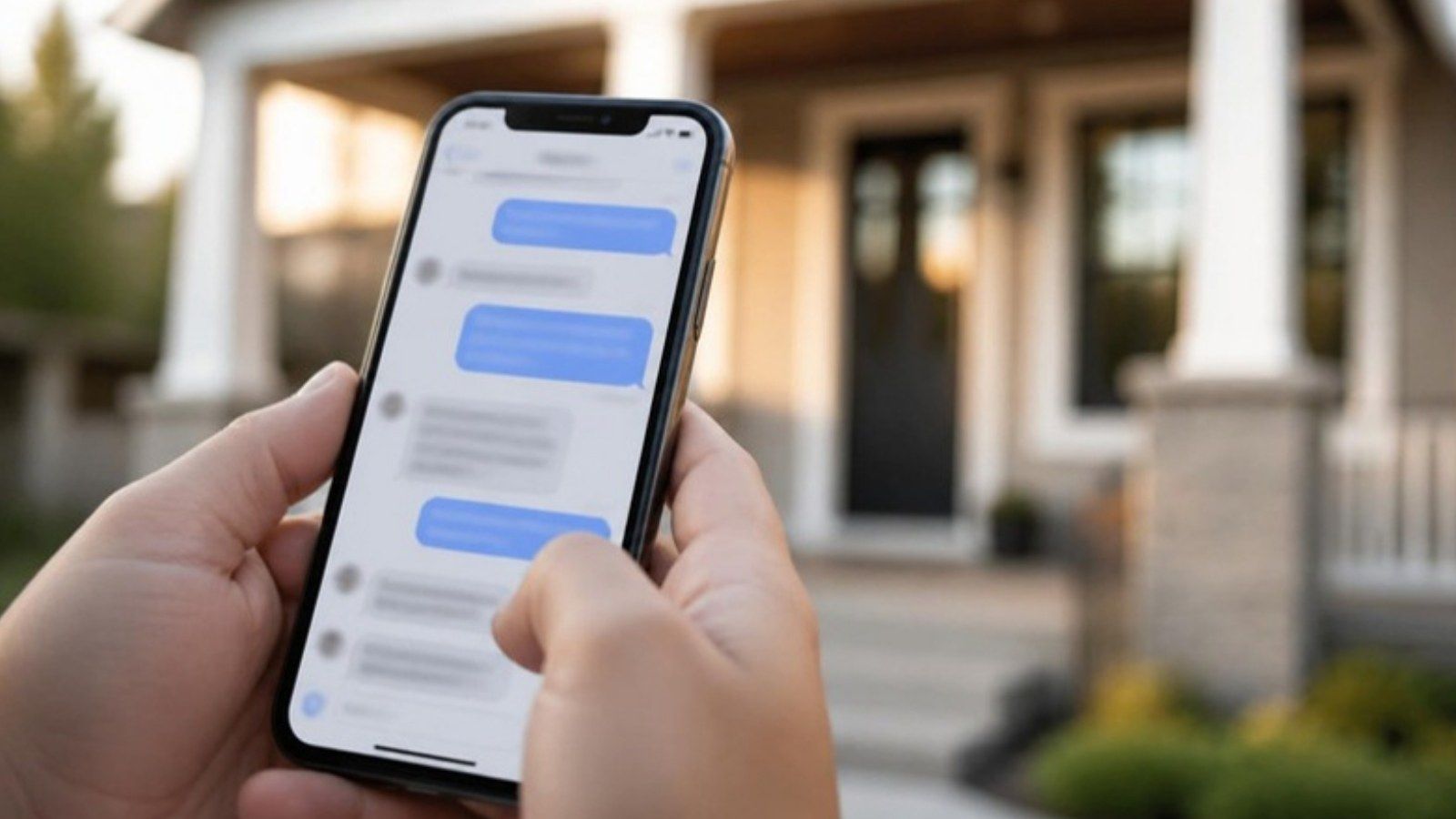
A post without a next step is a missed chance. The best calls to action are small, specific and easy to say yes to, and on social media that usually means a message.
Where links do and don't work
- Instagram: links in captions still aren't clickable for most accounts. Paid Meta One plans now allow clickable links on a limited number of posts1. “Link in bio” does not hurt your reach, according to Mosseri2. Story link stickers are clickable.
- Facebook: since December 2025, Meta has been testing a limit of two organic link posts a month for some pages without Meta Verified3.
- YouTube Shorts: links in descriptions and comments aren't clickable. Use the “Related video” link instead4.
- Google Business Profile: posts with an unverified phone number, email or social handle in the text may be removed. Use the Call button instead5.
Messages beat links
Half of buyers who used an agent prefer texting or messaging apps when working with one6. A direct message is also a conversation, which a click on a link is not. Tools that auto-reply when someone comments a keyword exist, and Meta is testing a version for Instagram ads7, but a real reply from you works just as well.
| Post type | A call to action that fits |
|---|---|
| Home tour reel | “Want the address and a private tour? DM me TOUR.” |
| Your take on local news | “Wondering what this means for your home's value? Message me and I'll run the numbers.” |
| Teaching carousel | “Save this for when you start looking,” or “Send it to a friend buying this year.” |
| Guess the price | “Drop your guess. I'll post the answer tomorrow.” |
Send them somewhere that's yours
When you do use a link, point it at a page you own: your profile page, a page for that home, or a free guide. A page with your name, your photo and a way to reach you turns a curious scroller into someone you can follow up with.
One call to action per post. Two asks usually means neither gets done.
Do it yourself: set up your conversation paths
- Add a line to your bio: “DM me any address and I'll tell you what I know.”
- Write three saved replies for common DMs: a tour request, a “what's my home worth,” and a “just looking.”
- Pick one link for your bio and keep it current.
- End every post with one specific ask.
Sources for this lesson (7)
- Meta One turns Instagram post links into a paid feature Search Engine Watch, Sep 15, 2026
- Instagram confirms 'link in bio' won't hurt reach SMK, Jul 2025
- Meta considering charging business Pages to post links Social Media Today, Dec 16, 2025
- Links in YouTube Shorts YouTube Help
- Business Profile posts content policy Google Business Profile Help, 2026
- Online research now shapes how most agent relationships begin Zillow Consumer Housing Trends Report, Dec 30, 2025
- Meta tests auto-DM responses for Instagram ad comments Social Media Today, Aug 25, 2026
Stay compliant without overthinking it
Your license is on every post. A few rules cover most of the risk, and none of them make your content worse.

Describe the home, never the people
HUD's Fair Housing Act rules bar ads that use “words, phrases, photographs, illustrations, symbols or forms which convey that dwellings are available or not available to a particular group of persons because of” race, color, religion, sex, disability, familial status or national origin, and they cover the media and places you choose for ads, too1. The practical rule: talk about the property and the location's features, not who should live there.
| Avoid | Say instead |
|---|---|
| “Perfect for a young family” | “Four bedrooms, and the fenced yard backs onto a park” |
| “Ideal for empty nesters” | “Single-story with the primary suite downstairs” |
| “Great for professionals” | “Home office with a separate entrance; 12 minutes to downtown” |
Show your brokerage the way your state requires
NAR's Code requires a “true picture” in advertising and your firm name “in a reasonable and readily apparent manner,” which on social media can be a link2. Many states go further. In Texas, for example, social media counts as advertising, the broker's name must be at least half the size of the largest contact information, and on social media it can sit on a profile page that's one click away3. Check your own state's rules.
Keep it accurate and current
- Only the listing broker or cooperating broker may say “sold,” and online information must be kept current2. Update or remove homes that are gone.
- Photos: get written permission from whoever owns the copyright (builder, photographer or MLS). Someone else's permission doesn't cover you4.
- Music: TikTok's Commercial Music Library is licensed for business use on TikTok only5. On Instagram and Facebook, business accounts should use Meta's royalty-free Sound Collection rather than popular tracks6.
- Paid partnerships: if a lender, builder or brand pays you, disclose it in the post itself with “#ad” or “Sponsored.” A platform label is in addition to your own disclosure, not a replacement7.
This lesson is general information, not legal advice. Your broker and your state's real estate commission have the final word.
Do it yourself: a compliance check before you post
- Does the caption describe the home, not the ideal buyer?
- Is my brokerage shown the way my state requires, on the post or my profile?
- Do I have written permission for every photo?
- Is the music licensed for business use?
- If anyone paid me, did I say so in the post?
Sources for this lesson (7)
- 24 CFR 100.75: Discriminatory advertisements, statements and notices eCFR, current
- 2026 Code of Ethics and Standards of Practice National Association of REALTORS, Jan 1, 2026
- What you need to know to comply with our social media rules Texas Real Estate Commission
- 3 rules to avoid a copyright claim on the photos you use REALTOR Magazine, Jan 3, 2023
- Commercial Music Library user terms TikTok
- Instagram business accounts and copyright SRIPLAW, Nov 2, 2025
- Disclosures 101 for social media influencers Federal Trade Commission, Dec 3, 2024
Your weekly plan
Here's everything from the first nine lessons turned into one week you can repeat. Do it yourself, hand pieces off, or let HOWSR fill the gaps.

| Day | Post | Why |
|---|---|---|
| Monday | Your take on a local story (30–60 sec video) | Original, local, you on camera |
| Tuesday | A teaching carousel | Saves and sends |
| Wednesday | A home tour Reel | Reach, and what buyers are already looking for |
| Thursday | A fun post: guess the price, or this-or-that | Comments the right way |
| Friday | Another home, as a Reel or a carousel | Keeps the week steady |
| Weekend | Stories only, or nothing | Rest. Consistency is weekly, not daily |
| Every day | 15 minutes of replies and comments (Lesson 7) | Turns attention into conversations |
Your monthly scorecard
- Consistency: did you post at least once every week?
- Reach per post: is it trending up month over month?
- Sends and saves per post: which kinds of posts get shared?
- Conversations started: DMs and replies that turned into a real exchange.
Do more of what the scorecard rewards and less of what it doesn't. That's the whole system.
If you're doing it all yourself
- Plan the week on Sunday; batch and schedule in one 60 to 90 minute block.
- Keep a running note of local stories and client questions to pull ideas from.
- Guard the floor: one post every week, no matter what.
That's the playbook.
Keep the PDF handy, and come back when the platforms change. We'll keep this course current.
Want every day covered?
HOWSR makes something real to post every day: a real home, a local story you can make your own, and designed carousels with your name on them. You post it, approve it, or let it post itself.
Free account · Pro is $149/mo · Cancel anytime